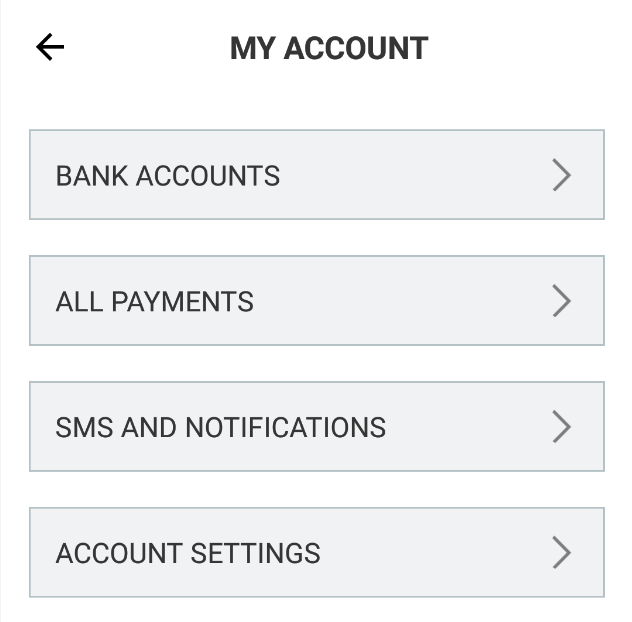
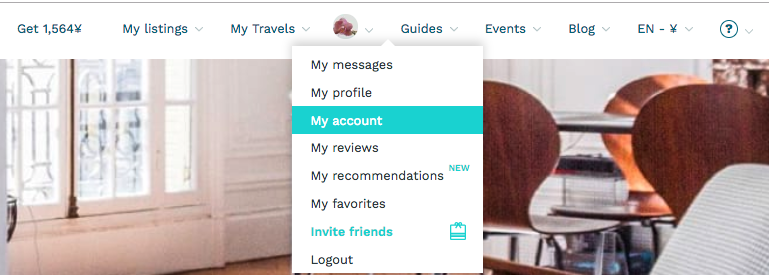
To find your payout method options, please log into your misterb&b account and click on the avatar located on the top right side of the screen. Then click on "My account" and the list of payment methods will be displayed on the screen.
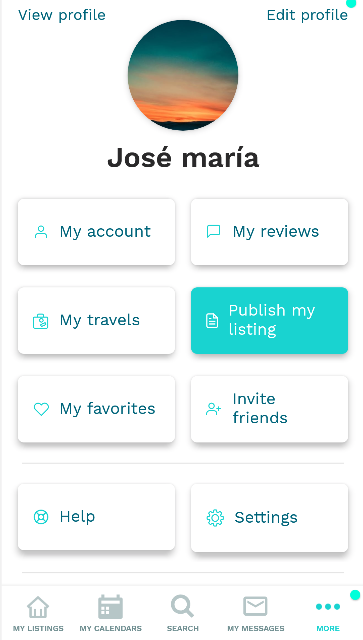
If you are using your cellphone, please select "More" and "My account"
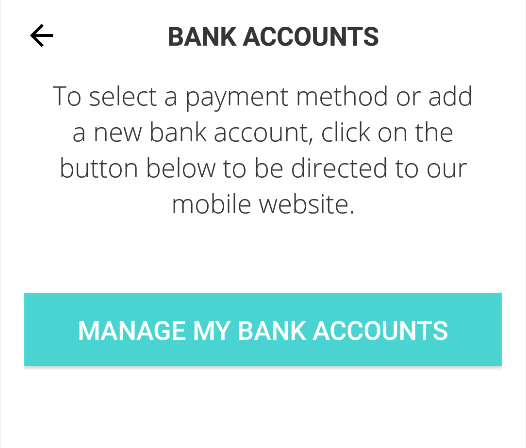
Select "Bank accounts" and "Manage my bank account". The system will redirect you to our mobile website, and the list of payment methods will be displayed on the screen.